 Watch replay
Lunch & Learn
Grokbot explained
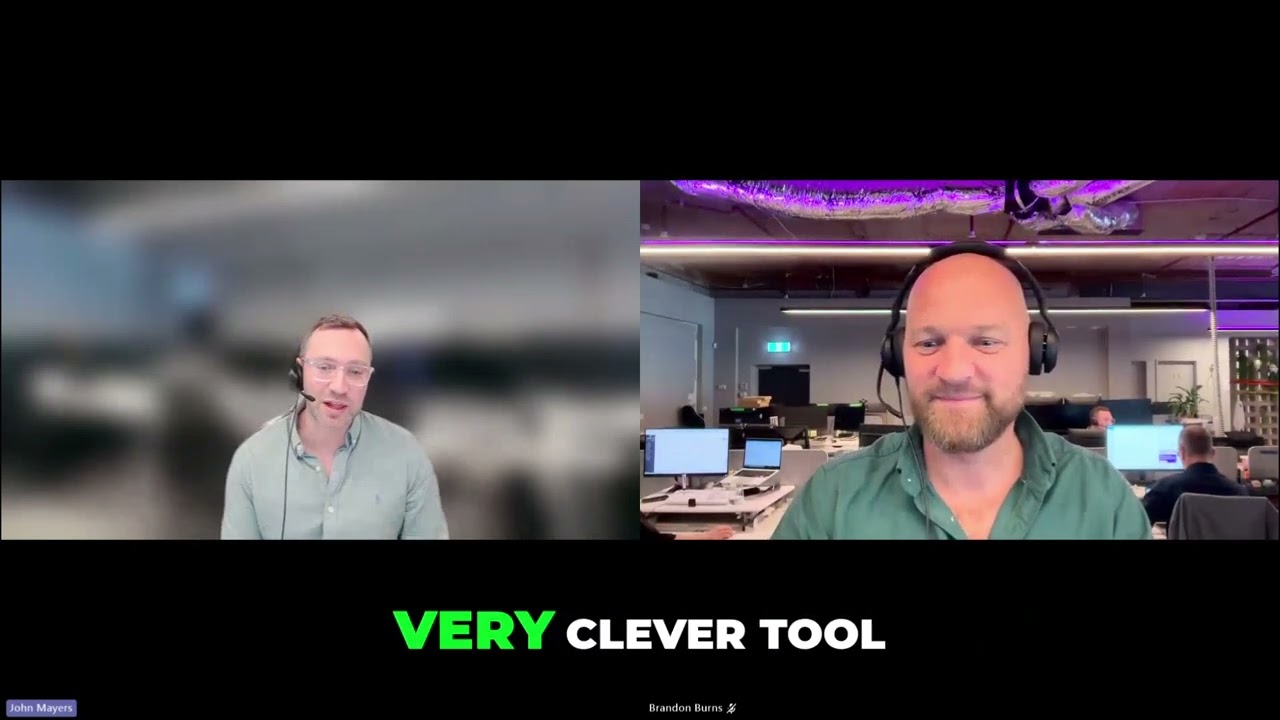
Most recent session. Watch a bot find 15 real referral partners, write the intro emails, drop them in Outlook and repeat it monthly.
28 October 2026
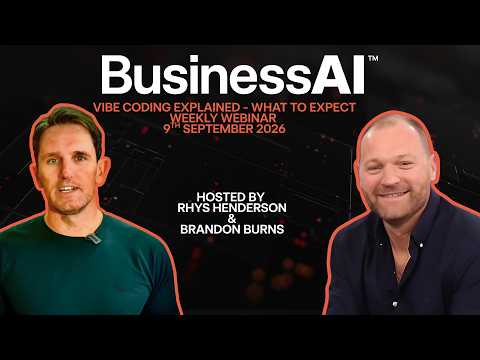
9 September 2026
Do's, don'ts, and the actual workflow, not the theory.
One hour. Grab your lunch. Everything here you can take and use the same day.
Watch first
What to expect
Rhys and Brandon walk through what to expect from this session and how to use this page.
Watch the recording
Presented by

Brandon Burns
Head of Experience, BusinessAI
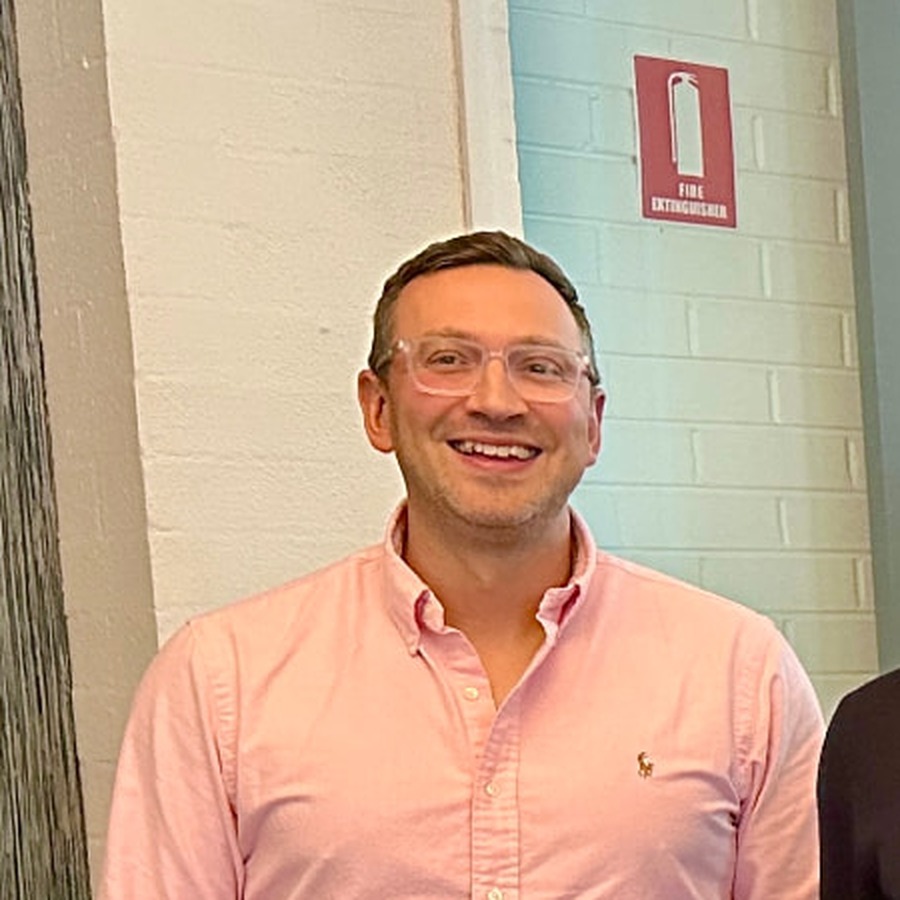
John Mayers
BusinessAI

Rhys Henderson
CEO, BusinessAI
Vibe coding is a term coined by AI researcher Andrej Karpathy in February 2025, describing a way of building software by telling an AI what you want in plain language and letting it write the code, rather than writing the code yourself. Instead of learning syntax and hunting through files, you describe the outcome, watch it build, and refine it by asking for changes. For a business owner, the safe and useful version of this isn't "never look at what it built," it's "describe it, review it, test it, then ship it."
Traditional coding vs vibe coding
Traditional coding
Vibe coding
Lovable
A browser-based tool, you chat with it and watch your app build in a live preview next to the chat. Best for building something new from scratch, especially if you're not a developer.
Claude Code
A tool that runs in your computer's terminal, working directly inside a real project folder. Best once you've got an existing codebase, or want more control over exactly what changes.
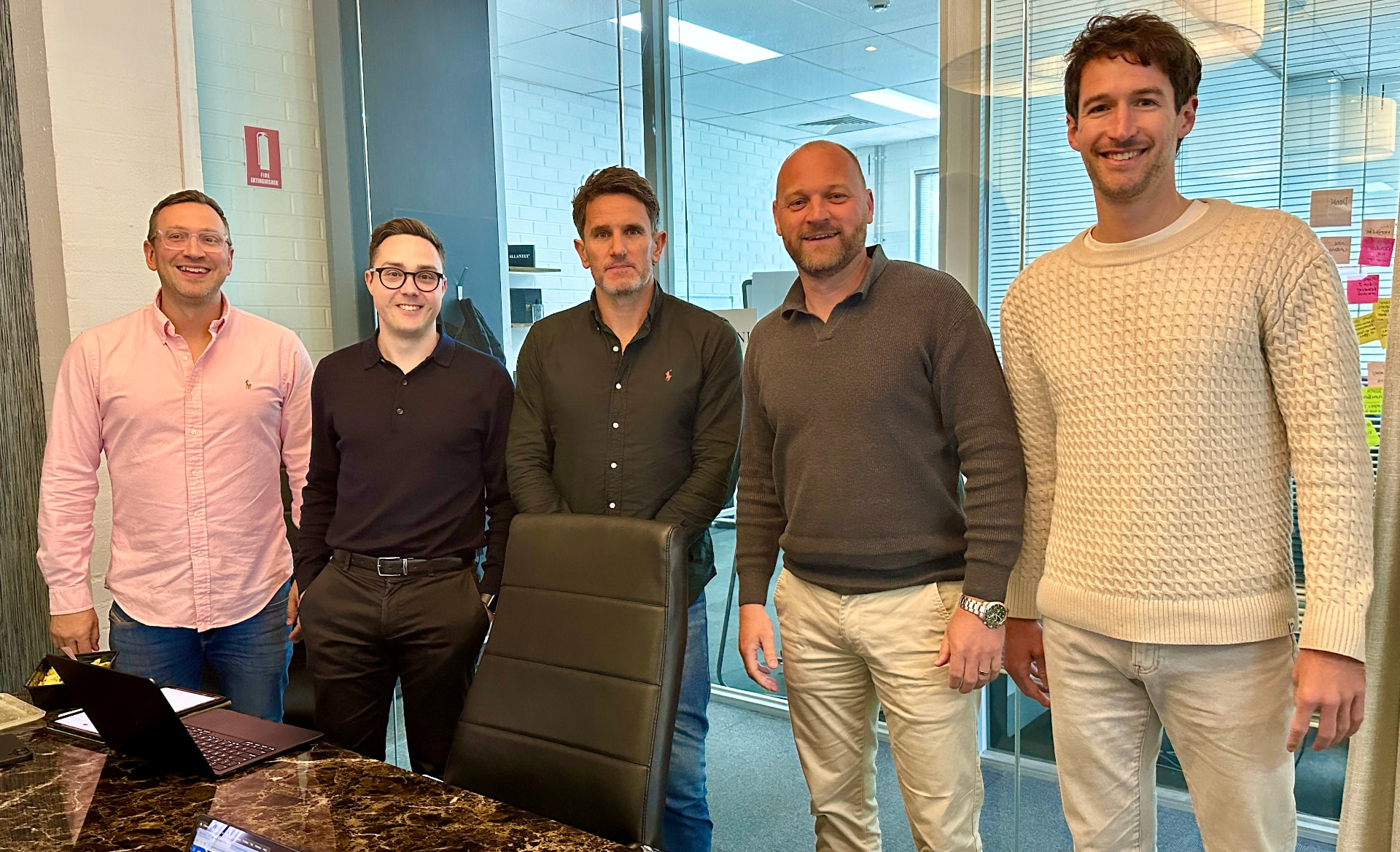
We run these sessions live, build the examples in front of you, and leave the prompts here so you can take them straight back to your own business.
John Mayers, Josh Telford, Rhys Henderson, Brandon Burns and Martin Astbury.
Ready for the next step?
Every Lunch & Learn leaves behind a page you can revisit, with the prompts, steps and examples from the session.
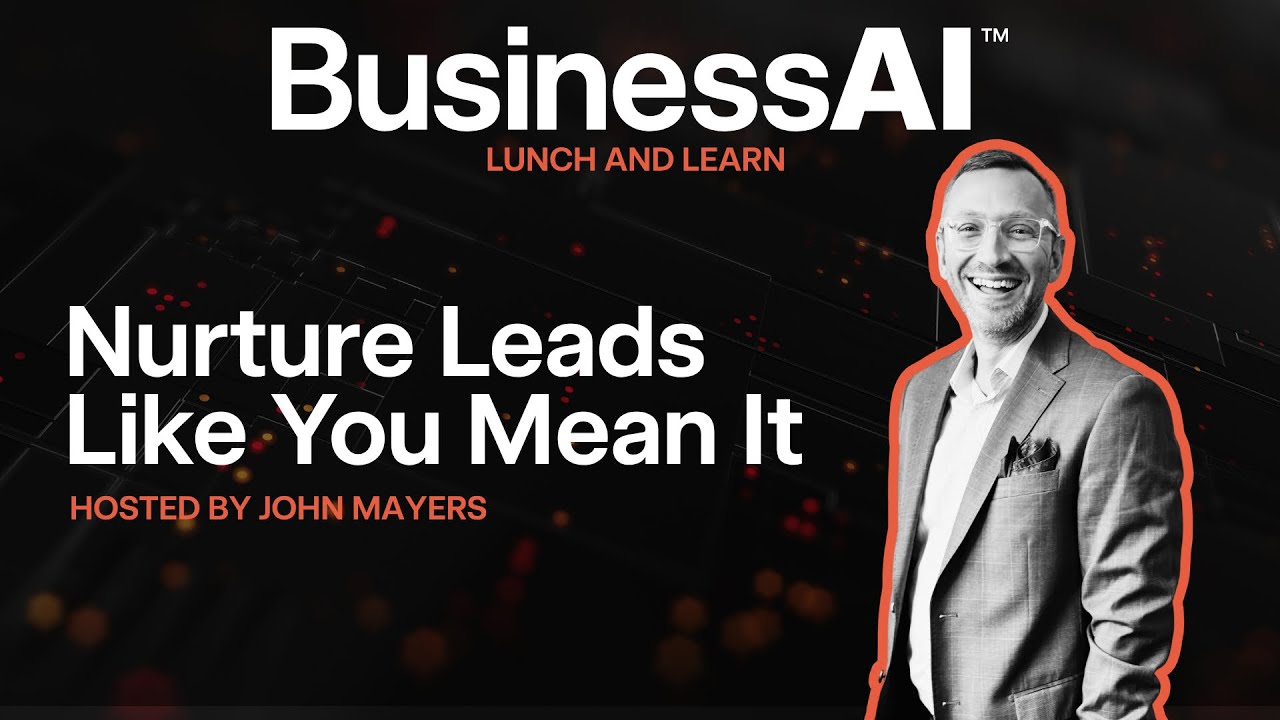
Watch replayMost recent session. Watch a bot find 15 real referral partners, write the intro emails, drop them in Outlook and repeat it monthly.
28 October 2026
 Watch replay
The full resource page from the lead nurture session, with the workflow, templates and examples we built live.
Previous session
 Watch replay
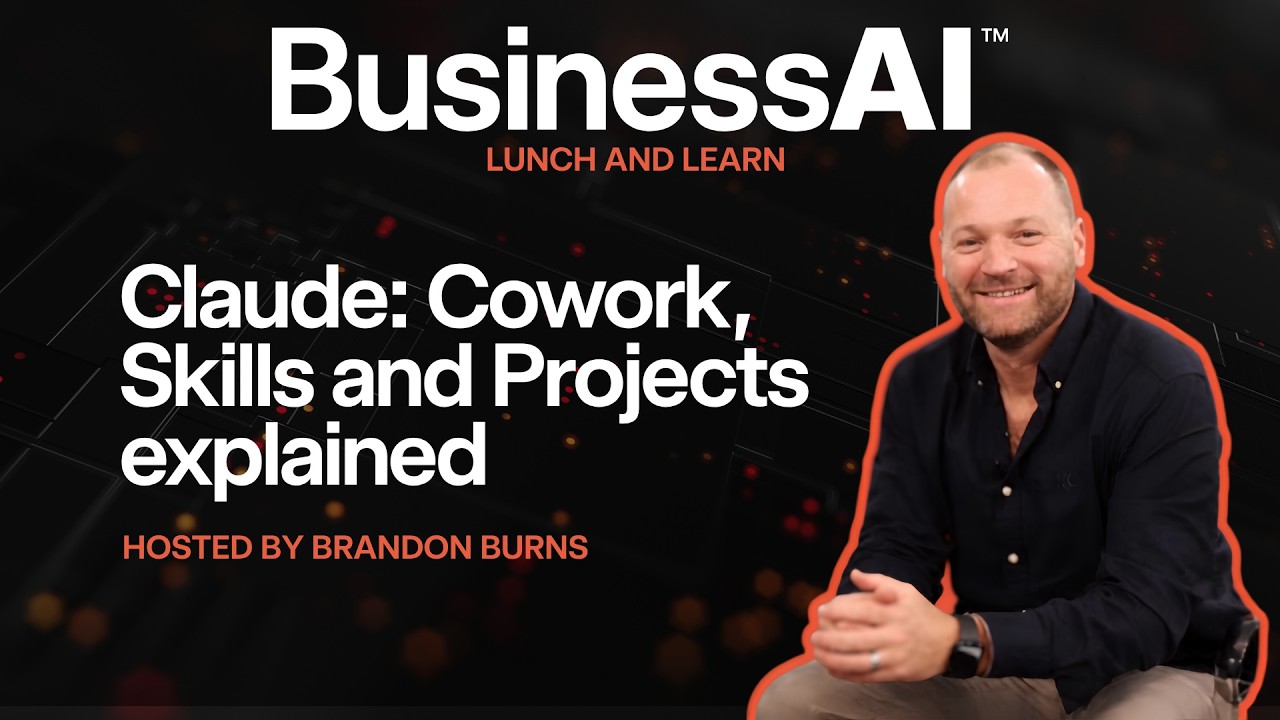
A hub of practical co-work skills projects, prompts and resources you can use with your team.
Previous session
 Watch replay
How to record once and let Loom do the follow-up, with the workflow and prompts we used live.
Previous session
Wednesdays, 12 to 1pm AEDT. Same room every week.
Brandon Burns, BusinessAI · Guy Franklin, Empire One
Mark Thurman, Empire Emplify Digital
Rhiane Sherriff
Simon Walshe · Josh Telford, BusinessAI
Meaghan Gillespie, Rustico
No sessions 21 December to 3 January. Back Wednesday 6 January 2027.
Every week we run an open Q&A call where you can bring a tool, a workflow or a stuck project and get live help. No pitch, just answers.
What happens on the call